kweno.app documentation
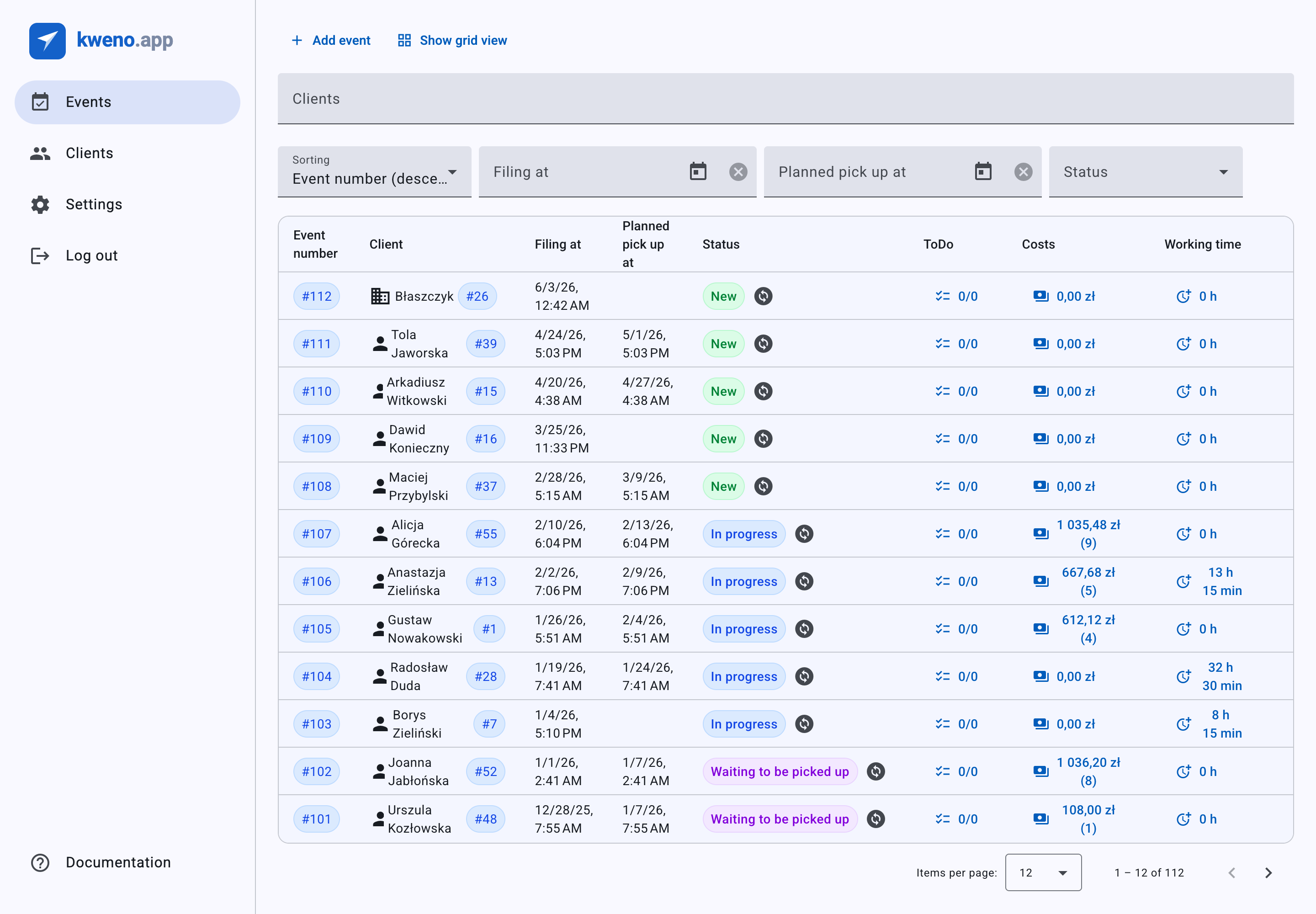
kweno.app is a Polish service- and repair-management app with built-in invoicing and KSeF (Poland's National e-Invoicing System, FA(3)) integration. You track each repair job as an event — with its client, drop-off and pick-up times, to-dos, costs, working time and files — and when the work is done you turn it into an official e-invoice sent straight to KSeF. From order to invoice — all in one place.
Where to start
If you have just created your account, begin with the setup wizard.
- Sign in. The first time you enter the app, the Set up your account wizard opens automatically. See Onboarding.
- Fill in your Business data, set up your invoice numbering, and upload your KSeF certificates. You can also skip the wizard and complete each part later in Settings.
- Add your first client and your first event, then work through the job until you can issue an invoice.
Before you can issue invoices
Two things must be set up first: your Business data (without it, invoicing is blocked — you'll see 'Business data is not configured. Go to Settings and fill in your business data.'), and a KSeF online certificate (issuing and sending to KSeF fails without it). See Business data and KSeF certificates.
Guides
Step-by-step help for everyday work.
| Guide | What it covers |
|---|---|
| Clients | Add and manage individual and company clients, addresses, TINs and subordinate units. |
| Events | Create and track repair jobs: filing and pick-up dates, description, status, files and the service intake form. |
| Costs | Record materials and parts on an event — the values that become invoice lines. |
| Working time | Log work, travel, shopping, estimation and other time on an event. |
| To-dos | Track the tasks to do for each event and mark them complete. |
| Invoices & KSeF | Generate a draft, review it, issue it and send it to KSeF; download the PDF and UPO; mark it paid. |
| Corrective invoices | Issue a correction when costs or working time change after an invoice was issued. |
Settings
Configure your business once so invoicing runs smoothly.
| Setting | What it covers |
|---|---|
| Business data | Company name, address, TIN, bank account, VAT-payer status and default payment. Required for invoicing. |
| Invoicing | Invoice and corrective-invoice prefixes and the numeration format. |
| KSeF certificates | Upload your online and offline certificates and run Test connection. |
| Account & preferences | Change your e-mail or password, set locale and timezone, or delete your account. |
Reference
Look up what a value or status means.
| Reference | What it covers |
|---|---|
| Event statuses | The six event statuses — New, In progress, Waiting for parts, Waiting to be picked up, Received, Canceled — and when they change. |
| VAT rates & exemptions | The VAT rates (23%, 8%, 5%, 0% KR/WDT/EX, np II, Exempt) and the exemption presets. |
| KSeF statuses | What KSeF: pending, processing, accepted, rejected and error mean for your invoice. |
| Payment methods | Cash, Card, Voucher, Check, Credit, Transfer and Mobile, plus payment terms and split payment. |
Switch the language
kweno.app is available in English and Polish. Use the language switcher (Change language) in the top bar to choose English or Polski at any time. Your Locale choice in Settings also affects the language, date format, first day of the week and number formatting.